Programme Date Maps
Programme Date Maps are available to view by selecting Management -> Maps.
To view the map, choose Programme Dates from the Map Type menu. This is located under the Schedule View heading.
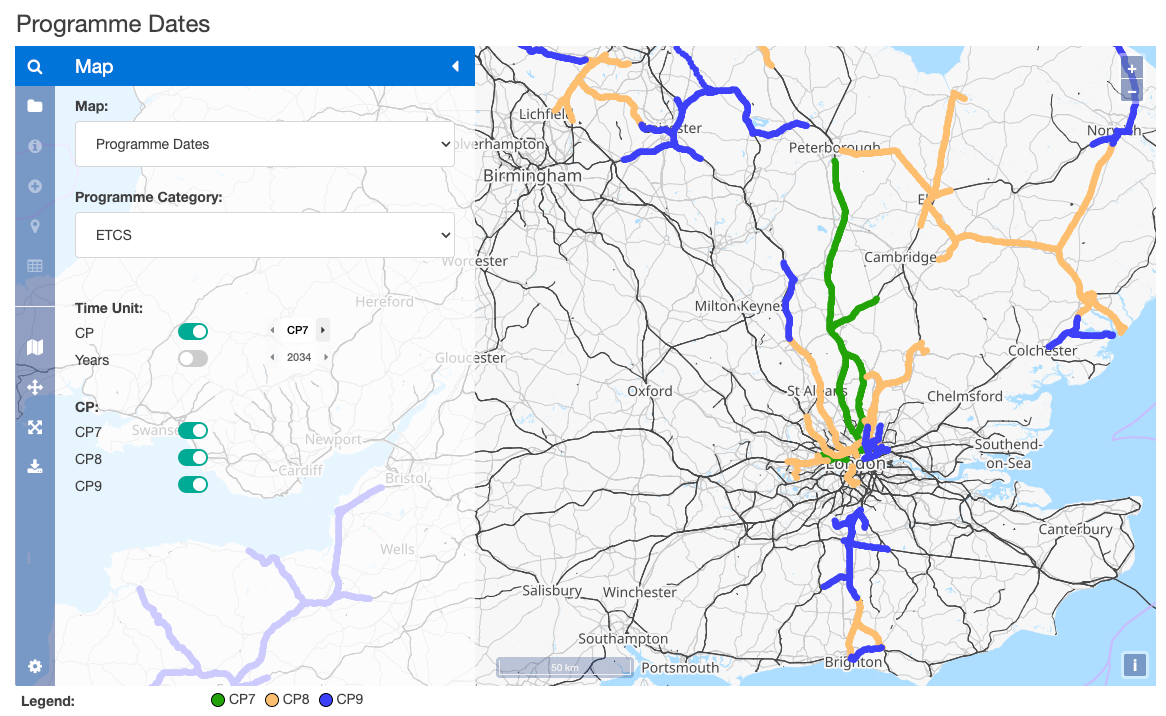
Time Unit
Time Unit allows you to step through the different Funding Periods (or years) for the selected interlockings / region / routes.
To advance, select the forward arrow. To go backwards, select the back arrow.
note
It is only possible to navigate via Funding Period or Year
Time Unit Toggles
To display more than one time period, select the toggle icons. These will display Funding Periods or Years, depending on what time unit was selected.
Each time unit's interventions will be displayed in a different colour to make it easy to identify.