Categories
Categories are automatically assigned to Interventions based on Work Type.
These can be several different categories such as KCL or KVL. These help to group items on various cost and volume outputs.
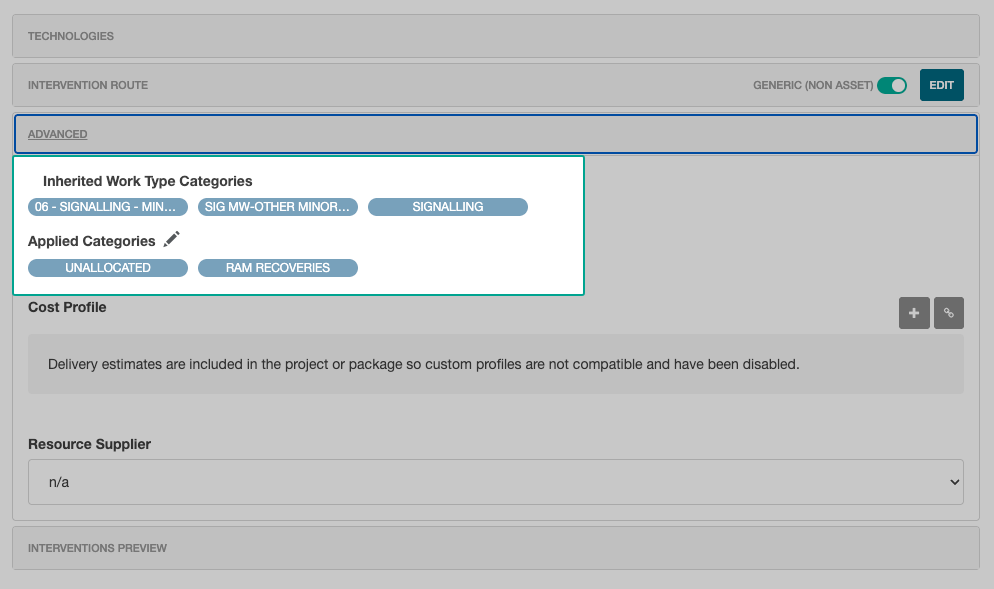
In the Edit Intervention Modal, the categories are viewable in the Advanced section.
This shows a breakdown of items that were added due to the Work Type, and those that were added manually.
Clicking the Edit icon near Applied Categories allows more to be manually added.
Category Filters
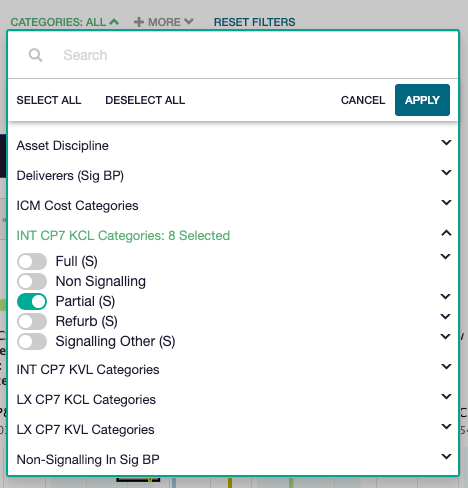
Category filters can be added at an option level for applicable pages. Select the + More filter option, then click on Categories.
From the Categories filter option, select the filter to be applied by toggling one (or more) to on.
Cost / Volume Output Grouping
Both the Cost Profiles and Volume Profiles graphs can be grouped by Categories. From the Group By dropdown, select the category to group by:
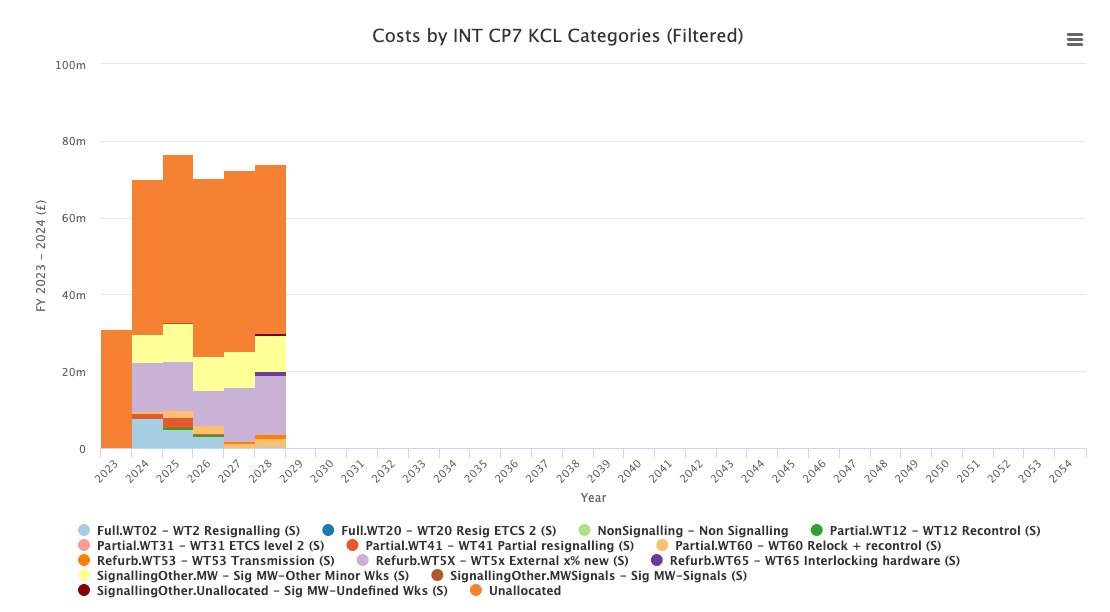
The breakdown below the graph shows a legend of which categories are displayed.
Configure Categories
Categories can be configured from the Settings header item, then selecting Impact Data Sets -> Categories from the sidebar.
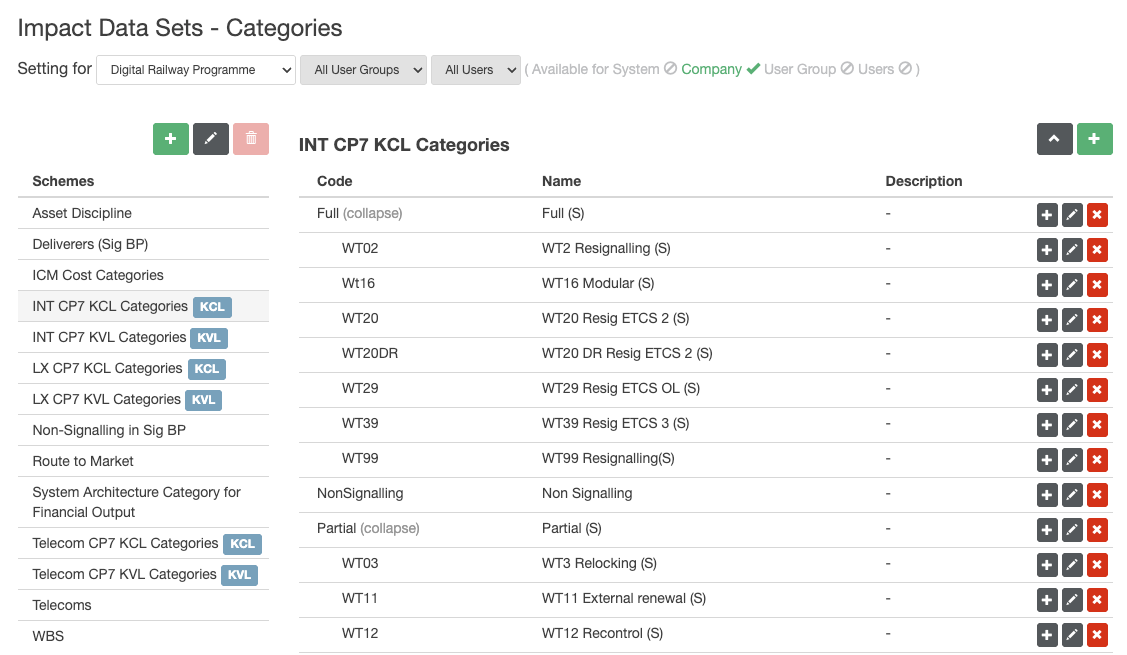
New categories can be added by selecting the Add Category icon.