Business Plan Changes
Business Plan Change is a quick access modal that is located in the sidebar of every workbank. Clicking the Business Plan Change icon launches the modal.
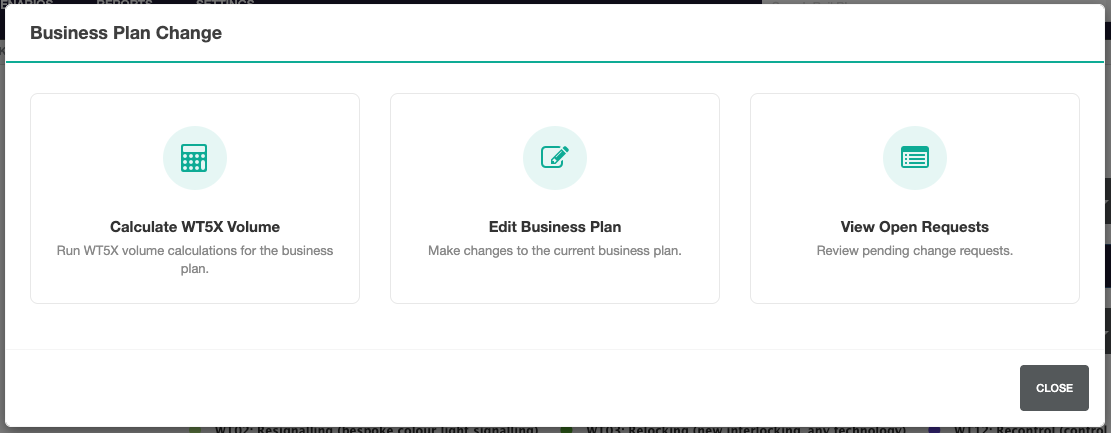
Calculate WT5x Volume
This option allows WT5x volume to be calculated quickly.
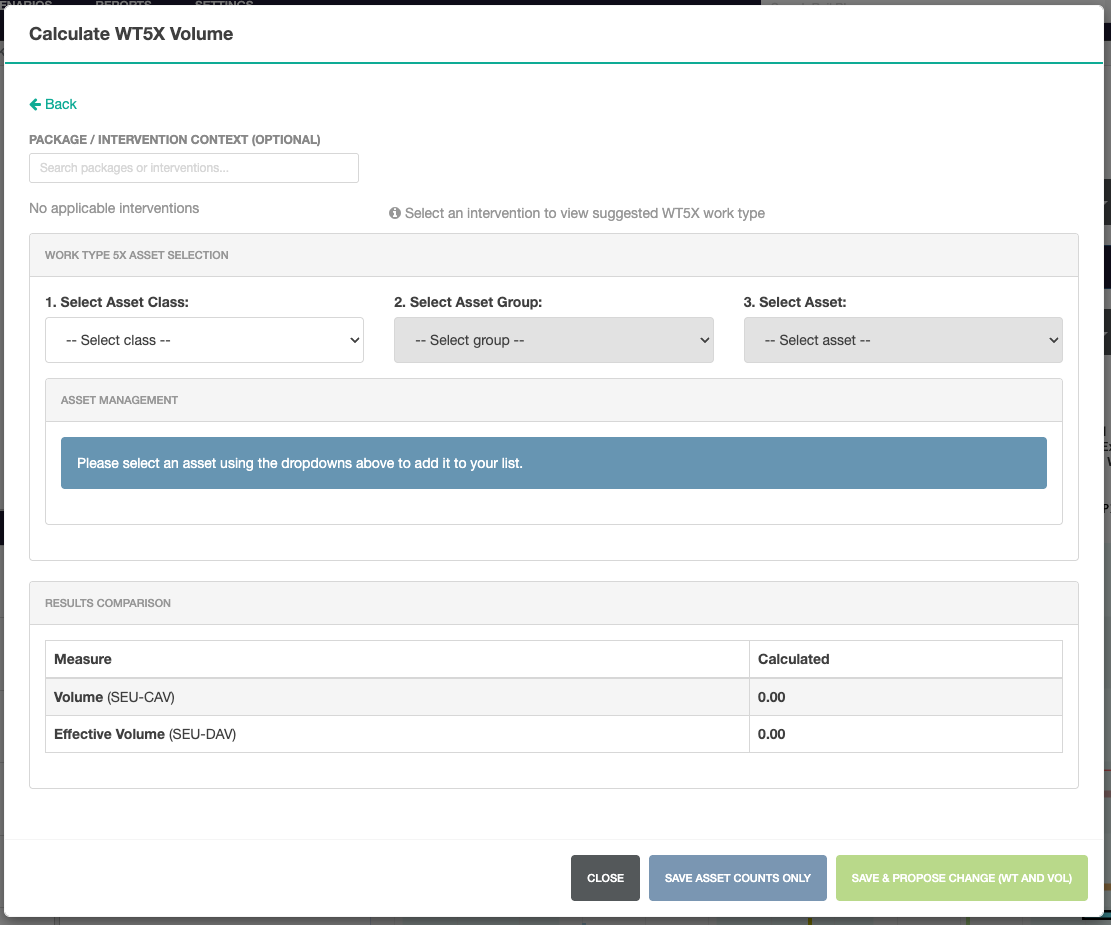
Select the intervention or package, then asset class, asset group and specific asset.
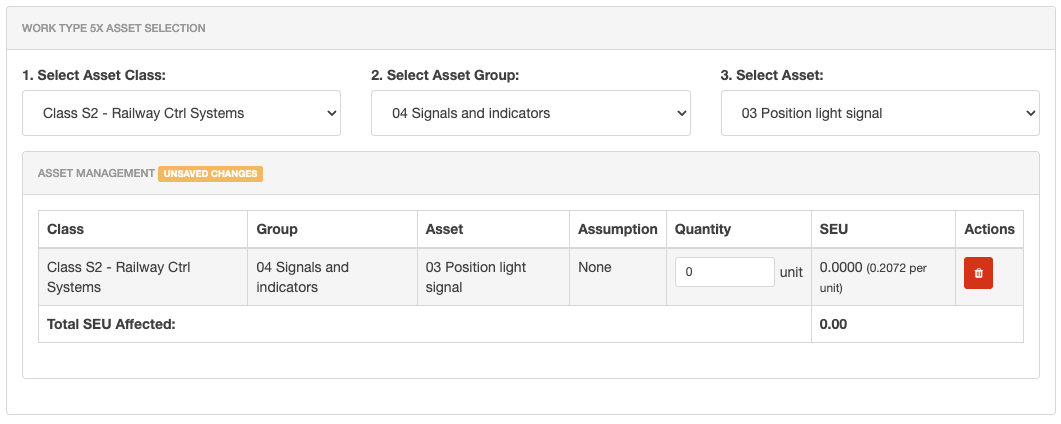
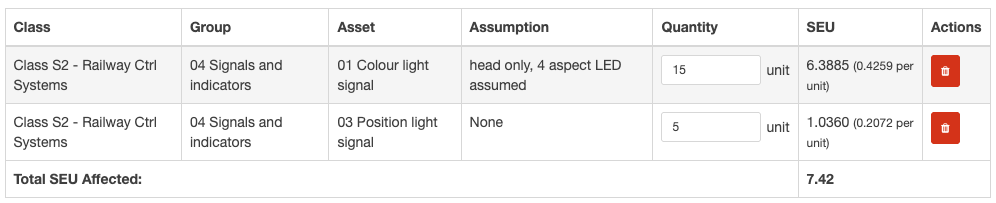
The SEU column shows the amount of SEU change per unit. Updating the quantity field shows a total SEU affected count based on this calculation.

Additional Assets
To add an additional asset, select a further option from the dropdown list.
Results Comparison
Based on the changes made, the results comparison shows the difference between calculated and planning values.
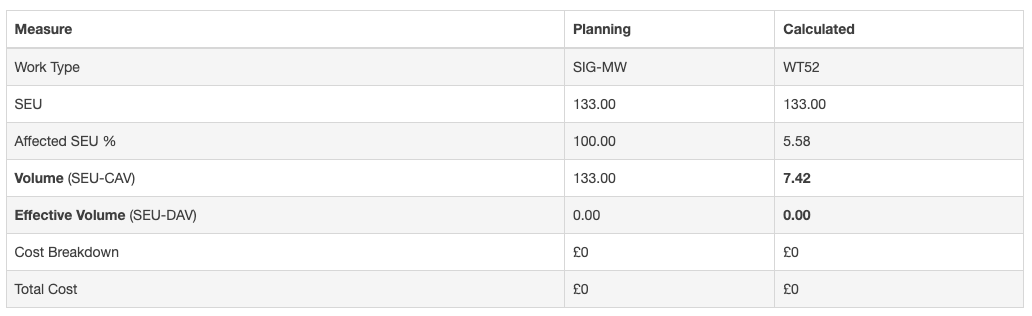
Save Asset Counts Only
Once a calculation has been entered, the option to Save Asset Counts only becomes available. This updates asset counts, but not Work Types or Volume.
Save and Propose Changes
To update Work Types or Volume, select the Save & Propose Changes option. This launches the change proposal modal for the current intervention or package.
Edit Business Plan
When selecting the Edit Business Plan option, an intervention or package needs to be selected. Enter and select the name of this intervention or package to view the delivery attributes.
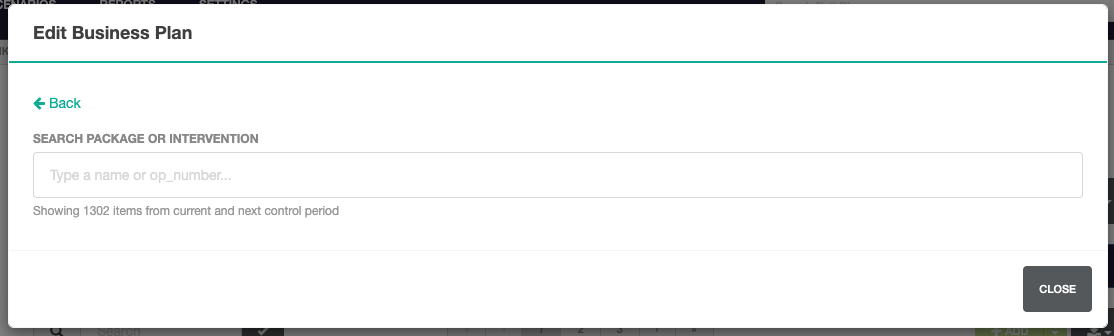
The Delivery Attributes page shows a quick view of the intervention or package in read only mode. To edit the data, use the Delivery Modal.

Open Requests
Open requests is a quick link. Selecting this option takes you directly to the Change Requests page.