RAMP Export
To aid users within the Eastern reporting regions, Rail BI has a dedicated RAMP Export.
Generating RAMP Export
From the sidebar of any workbank, select the Reports option.

The draft report dashboard will then be loaded.

Select Generate New Report to open the Report modal.
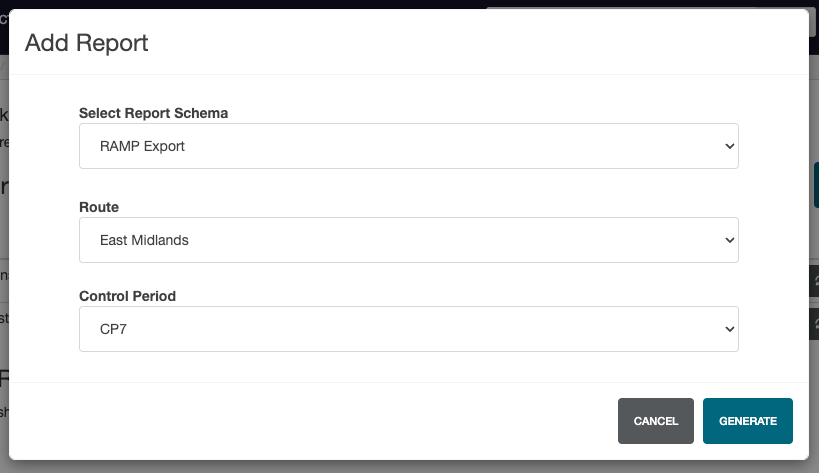
Select RAMP Export as the Report Schema, followed by the required Route and Control period.
To generate the report, click Generate.
Included Data
The export features the following fields:
- Work Bank Reference
- Task No
- Work_Description
- OP_Number
- Work Type
- Priority
- Project Status
- Project Status Description
- Route
- RE
- Delivery Team
- Holding Line/Scheme
- Location
- SSADs Interlocking ID
- Pace Milestone
- Pace Milestone Description
- Control Period
- Planned Year
- Required Completion Date
- Year 1 Current Vol
- Year 1 Current £
- Year 2 Current Vol
- Year 2 Current £
- Year 3 Current Vol
- Year 3 Current £
- Year 4 Current Vol
- Year 4 Current £
- Year 5 Current Vol
- Year 5 Current £
- Discipline
- Key Cost Line
- Key Volume Line
- Volume Unit of measure
- Route to Market