Map View
Assessment Map Data
From the Select Types page, the assessment map provides an overview of the current site and its condition information.
How To Access Map View
Open the Actions menu and select Show Map.
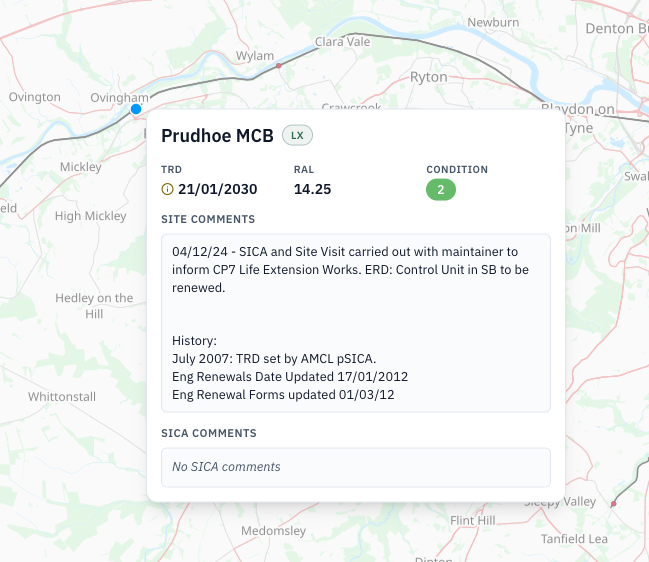
The Map view dialog displays the site location on an OpenStreetMap base map. A site summary card shows the site name and type, TRD, RAL, condition, site comments, and SICA comments. The map includes standard zoom controls and OpenStreetMap attribution.
The condition legend identifies 1 Excellent, 2 Good, 3 Acceptable, 4 Poor, 5 Unacceptable, and 0 Unassessed.
How To Leave Map View
Select Close or the x in the dialog to return to the Select Types page.