Upcoming Assessments List
Upcoming Assessments List View
The Upcoming Assessments list is the main SICA screen. The compact left rail contains navigation and application controls; the page header shows the connection state (for example, Online).
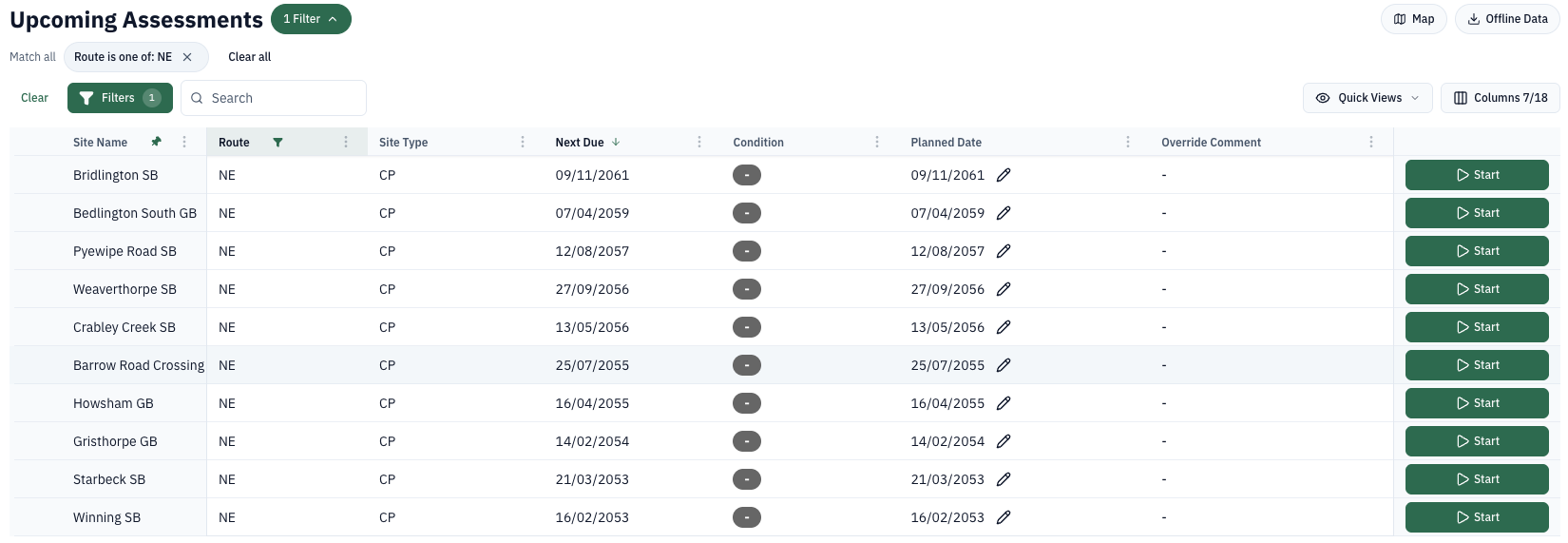
The page header includes the current page title, a filter-count button, Map, and Offline Data. The filter summary appears below the title. In the example above, the active filter is Route is one of: NE.
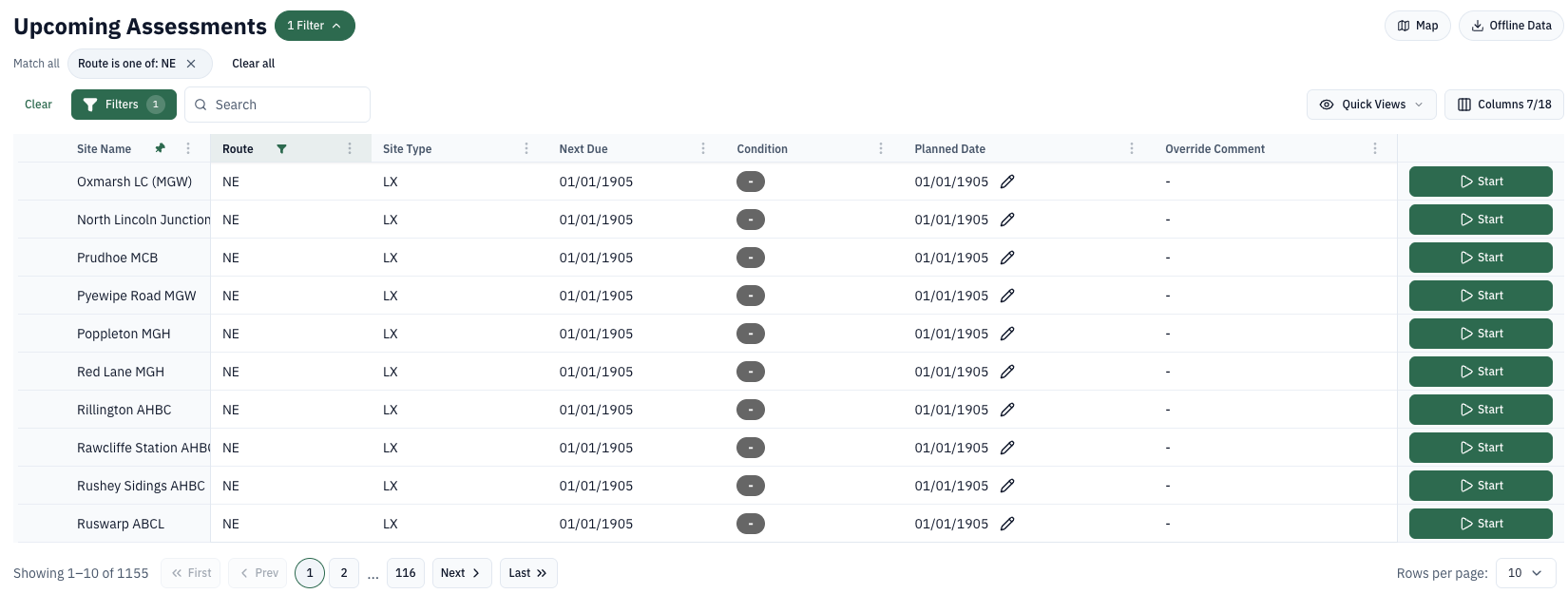
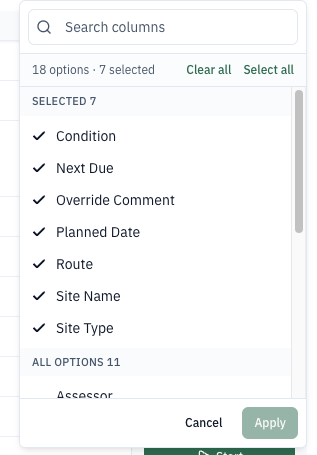
Each site record holds several pieces of information. Use Columns 7/18 to choose which columns are visible. The current list includes Site Name, Route, Site Type, Next Due, Condition, Planned Date, Override Comment, and Actions. Site Name is pinned to the left and Route is filtered.
If more records are available, the total is shown below the table. Use the pagination controls to move forwards or backwards, and use Rows per page to change the number of records shown.
The Quick Views menu provides status-based views. The Search field narrows the visible records by text.
Search
The search bar allows users to narrow down the data view to a specific keyword or phrase.

The entered text will be matched across all available text fields within the data and return results as each character is entered.
To remove the search filter, delete the entered text from the search bar.
Search allows you to quickly find sites by name, delivery unit or control point.
View Filters
Use the Filters button below the page title to open the field and sort controls. Active filters are also shown as removable chips in the filter summary.
Filter By Status allows users to display only sites that have an assessment In Progress, Awaiting Approval or have Changes Requested.
Filter By Route allows users to select the route users are viewing the sites for.
Further filter and sort options are available from the Filters panel and each column's options menu.
Filter By Route automatically selects the route(s) users are assigned to.
Planning SICA Assessments
Using the upcoming assessments list view, SICA assessments can be planned.
To plan SICA assessments, ensure that a route filter is set, and sort by Next Due Assessment.
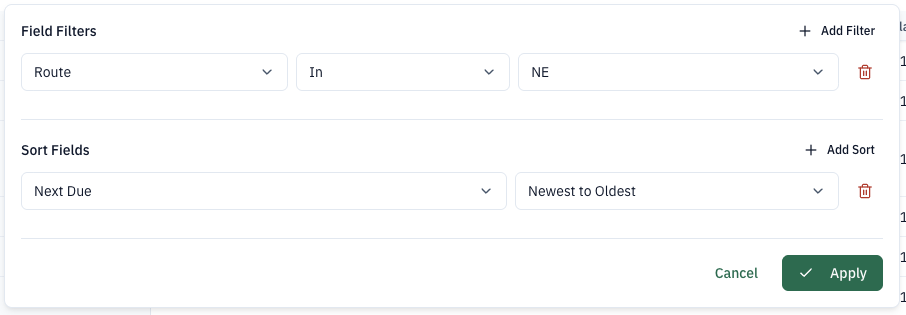
The list of SICA sites will be updated to show the site with the furthest future assessment date displayed first.