Reports
The Reports page within the Settings menu allows visual changes to be made for reports.
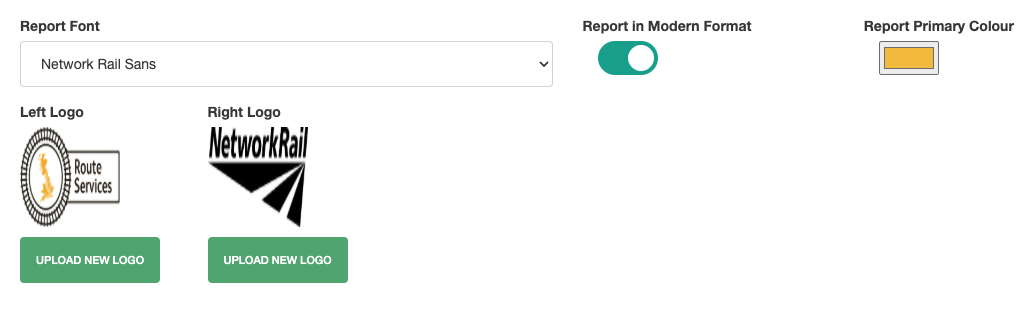
Report Font
The Report Front dropdown box allows users to change the font used to generate the reports.
To select a new font, click the dropdown and select the font to be used.
Report In Modern Format
The Report In Modern Format toggle allows reports to be viewed in the modern style. Toggled off, the reports are generated in classic format.
Report Primary Colour
If Report In Modern Format is enabled, the Report Primary Colour field becomes available.
To change the Report Primary Colour, click on the colour box and select the new colour using the colour picker.
Alternatively a value can be entered to select a specific colour. To switch between value formats, click the bottom row of the colour picker to cycle through RGB, HSL or HEX.
Left Logo
To replace the Left Logo, select the Upload New Logo option.
Browse on your computer to the location of the new image, select the correct file and click Open or Upload to replace the image.
Right Logo
To replace the Left Logo, select the Upload New Logo option.
Browse on your computer to the location of the new image, select the correct file and click Open or Upload to replace the image.