Reports and Assessment History
From the Actions menu on the Select Types view, choose Reports to open the Telecoms Asset Condition Report page.
The report page lists reports for the current inspection. A report contains completed assets, comments, and attached images. Select Create report when the inspection has completed assets available to include.
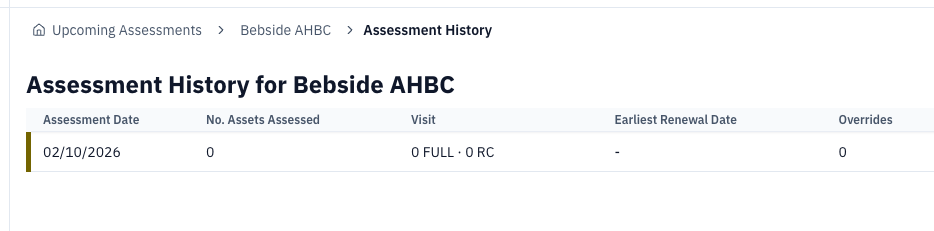
Choose Assessment History from the same menu to view previous inspections for the site. The history table shows Assessment Date, No. Assets Assessed, Visit, Earliest Renewal Date, Overrides, Status, and Actions.
An inspection that has been started but has no completed assets is shown as IN_PROGRESS. Select In Progress to return to it.