Element Selection
Element Selection
On the element selection view, a list of all selected types for the site is displayed.
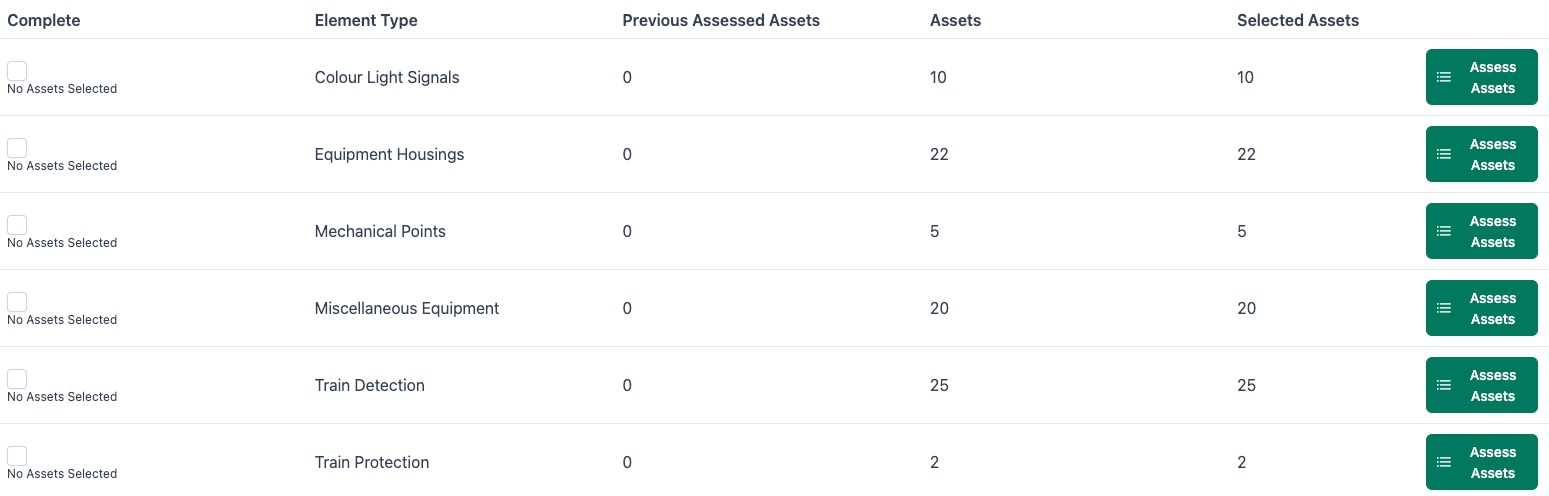
The element name, along with the number of previously assessed assets is shown.
To complete an assessment for an element type, select "Assess Assets".
Completed Assessments
Once an element has had its assessment(s) completed, it will show as x of x Assets Complete.
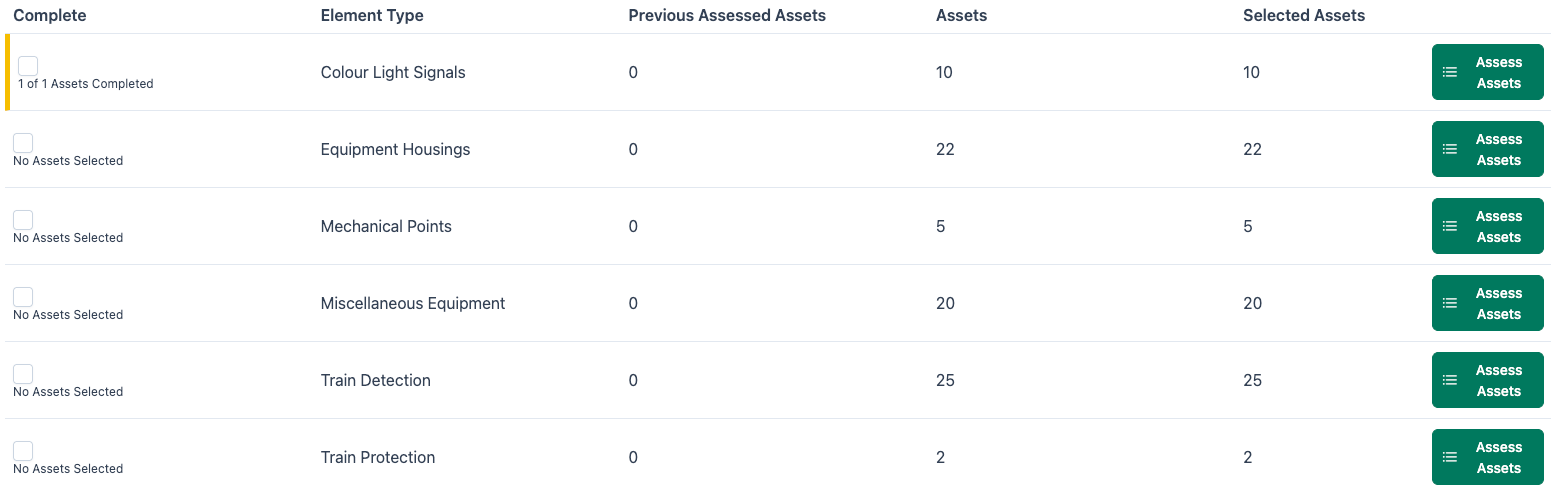
Actions
Review Assessment
Assessments can be reviewed before submitting by selecting the Review Assessment option.
Record Fault
Faults can be recorded against specific assets by selecting the Record Faults option.
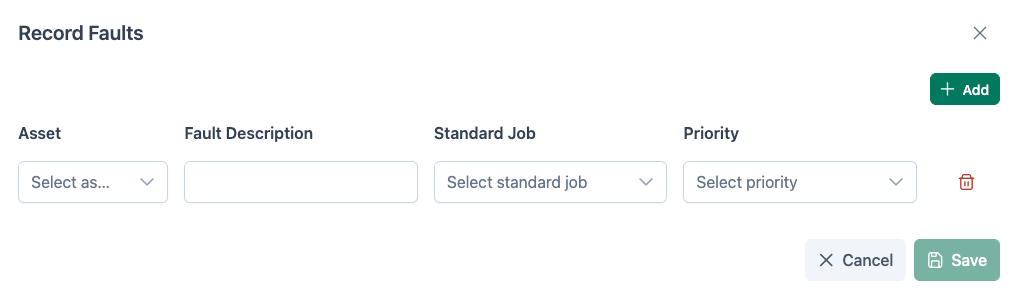
The asset is selected from the Asset dropdown, followed by a fault description being entered. The job type is selected from Standard Job then a priority is set.
To save the Fault, click the Save icon.
Add Comments
Comments may be added by selecting Add Comments. Comments added here are at a Site level.
Attach Files
Files and images may be uploaded. Any attachments are added at a Site level.
Signalling diagram
Signalling Diagrams can be uploaded and attached to the site record.
Supervisory Assessment Report
This option allows a Supervisory Assessment Report to be created.
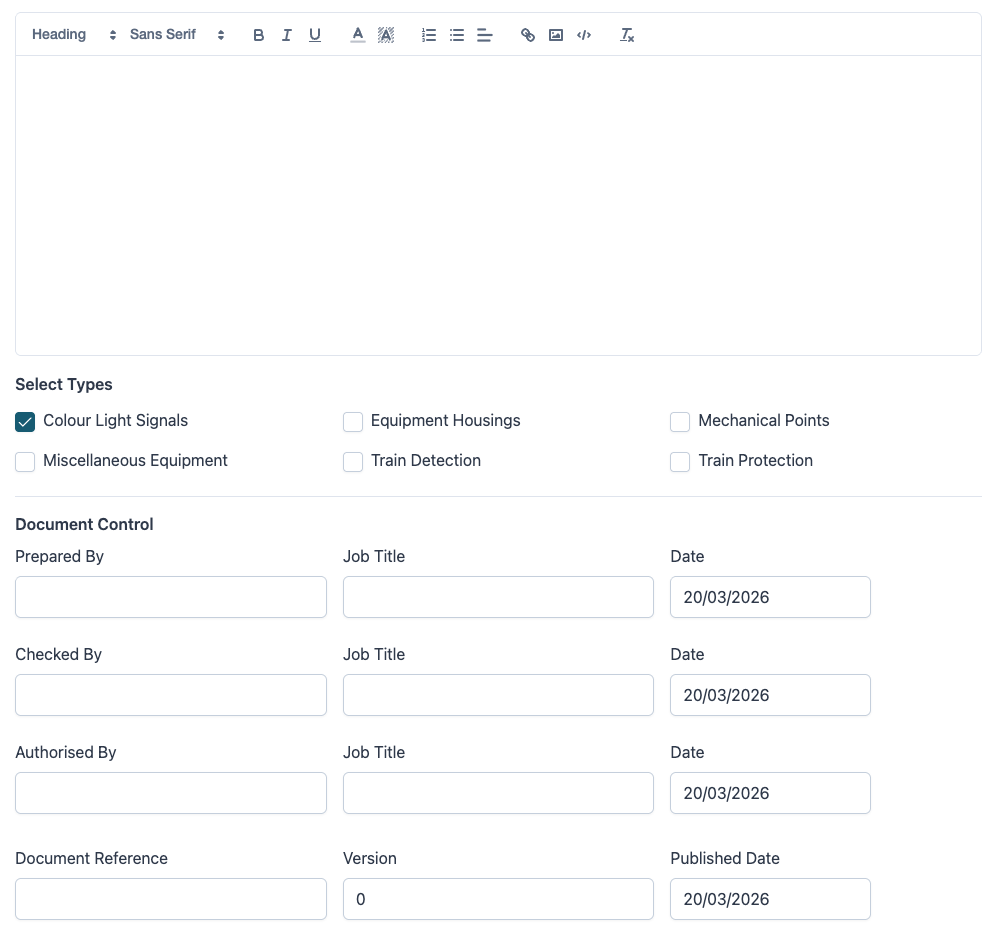
The report is saved, then provided as a PDF in the specified report format.
Assessment History
Assessment History shows any assessments that have been started or completed for the site previously.
Report History
Report History shows any reports that have previously been generated for the site.
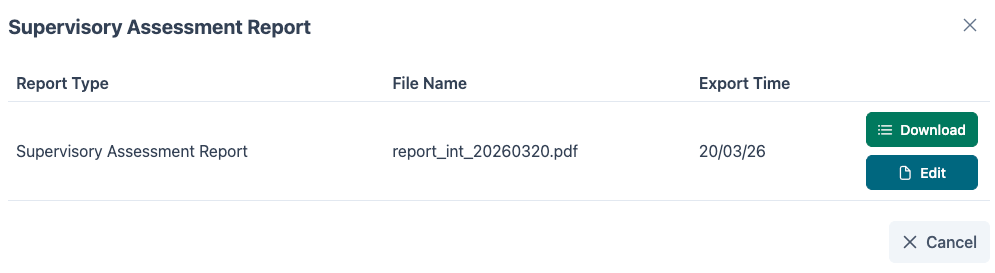
Reports can be downloaded from this modal, or edited using the Edit icon.
All Comments
All comments shows any comments added for the site.
Previous Assessment Comments
Any comments that were added during the previous assessment will appear here.