Complete Assessment
Assessment questions
Once the asset (or asset batch) has been selected from the Asset Select screen, the assessment is started.
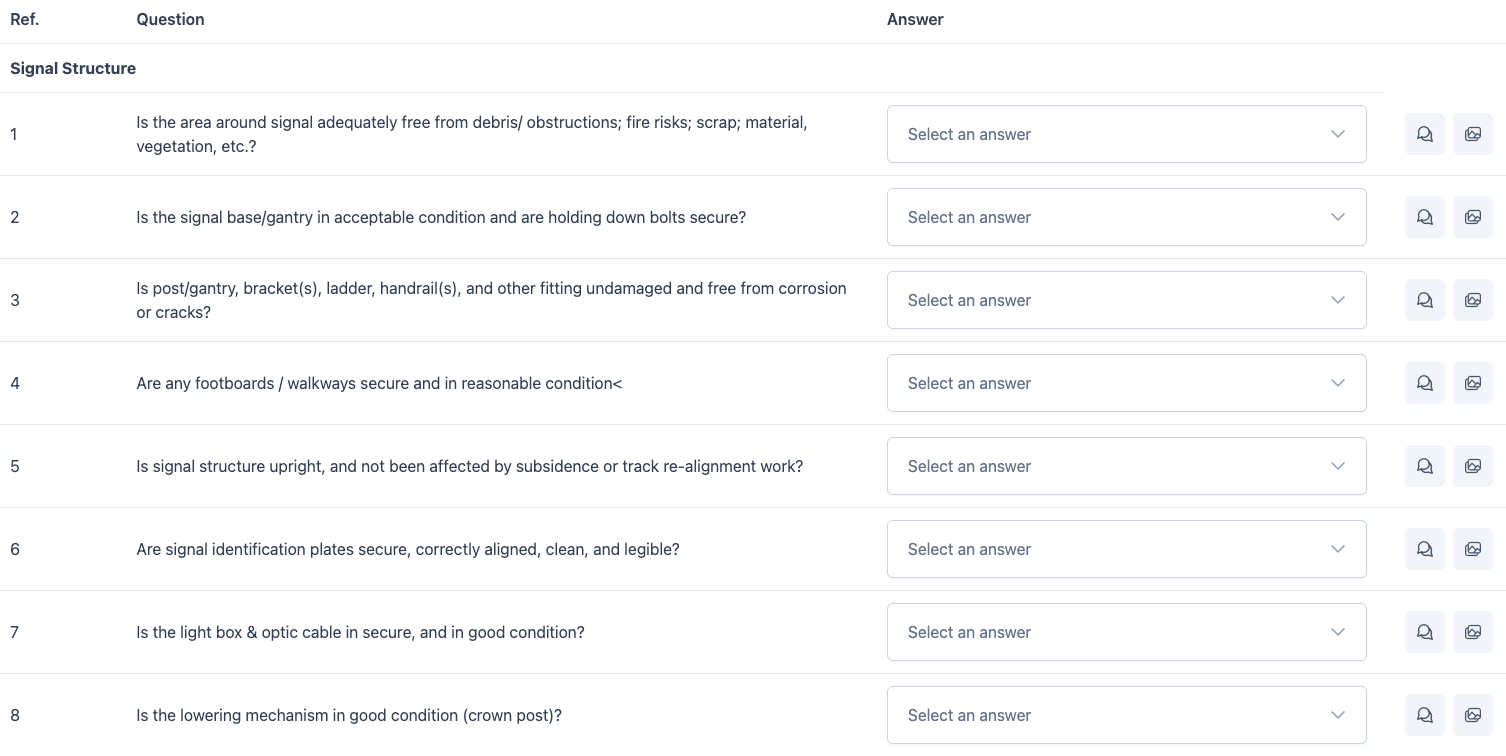
For each question, a yes no response is required.
Add Comment
To add a comment for that questions response, select the add comment button.

Image Upload
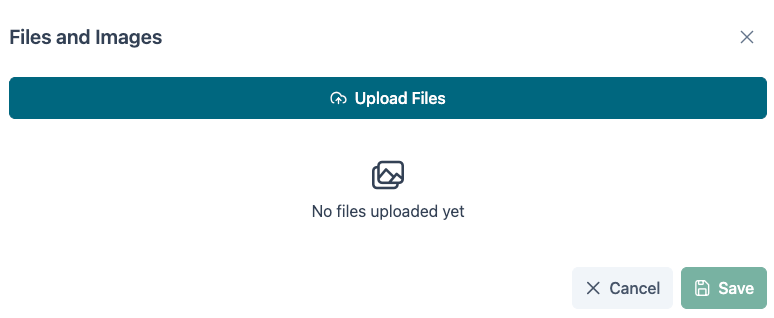
Images can also be uploaded on a per question basis. To add an image, select the add image icon.
Complete Assessment
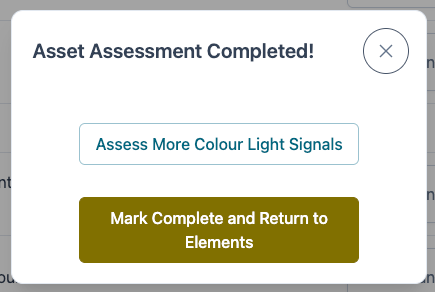
Once all questions have been answered, the assessment can be marked as complete.
Record Faults
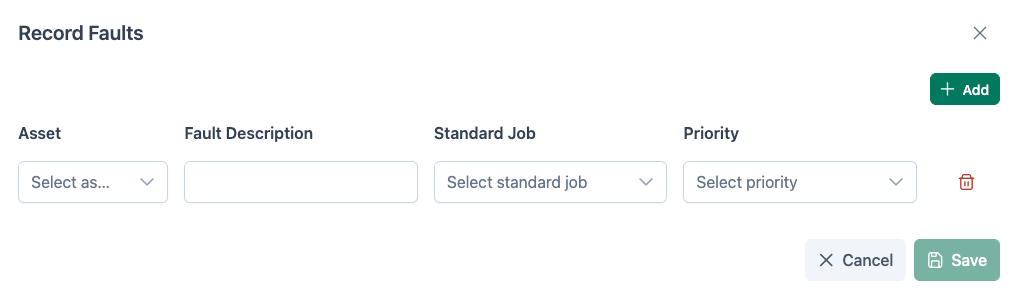
Faults can be added by selecting the Record Faults button. Faults can only be added for the assets currently being assessed.
Question Feedback
At any point during the completion of the assessment, feedback can be provided for the questions.
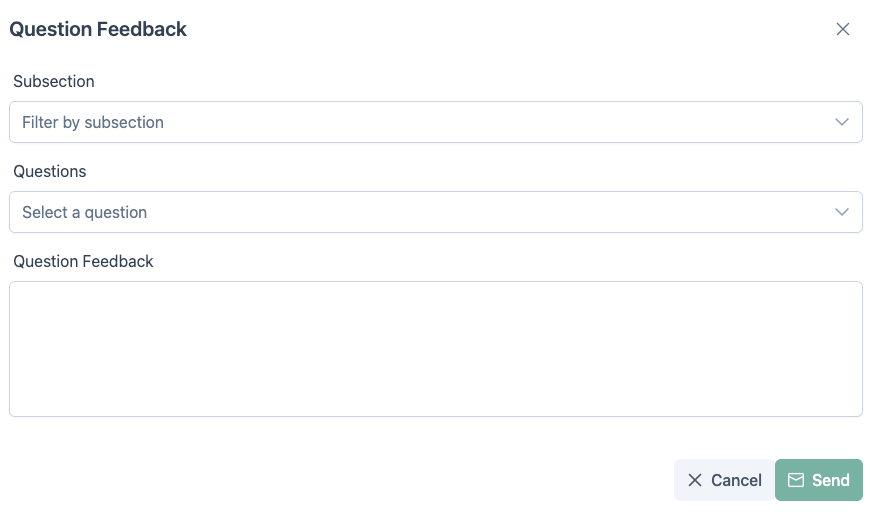
Select the area, then the question to provide feedback on. Once comments have been added, this can be sent to Rail BI support by selecting Send.