User Roles
User roles are a preset permission set that can be applied to any user.
To view or update user roles, select User Roles from the sidebar.
Viewing User Roles
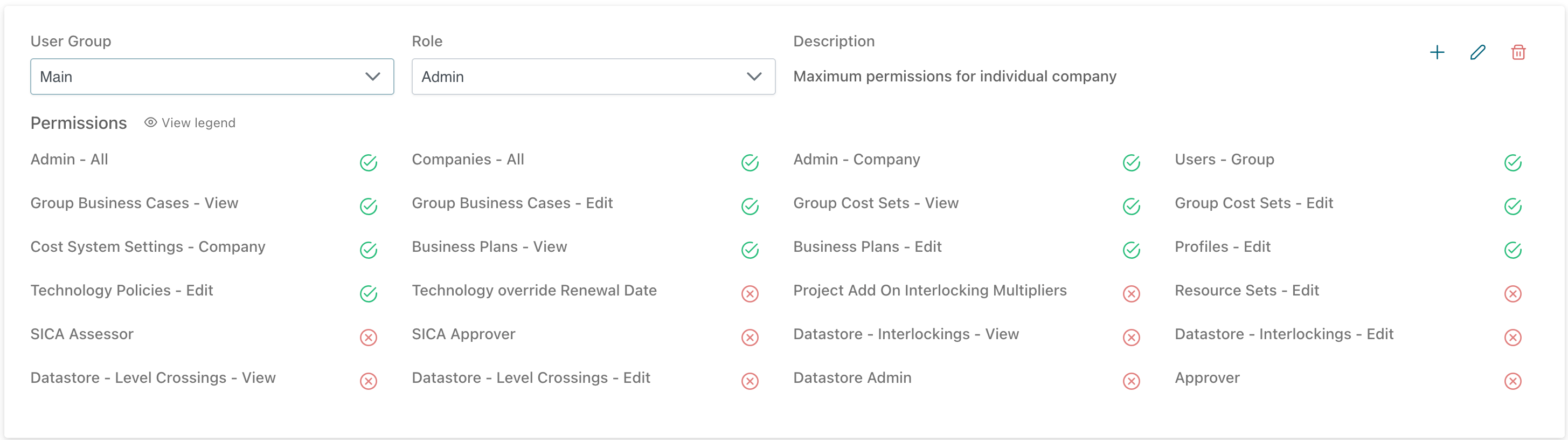
To view a user role, select the User Group followed by the role. The current permissions set will be displayed below.
Edit User Roles
To edit a user role, select the edit icon from the top right.
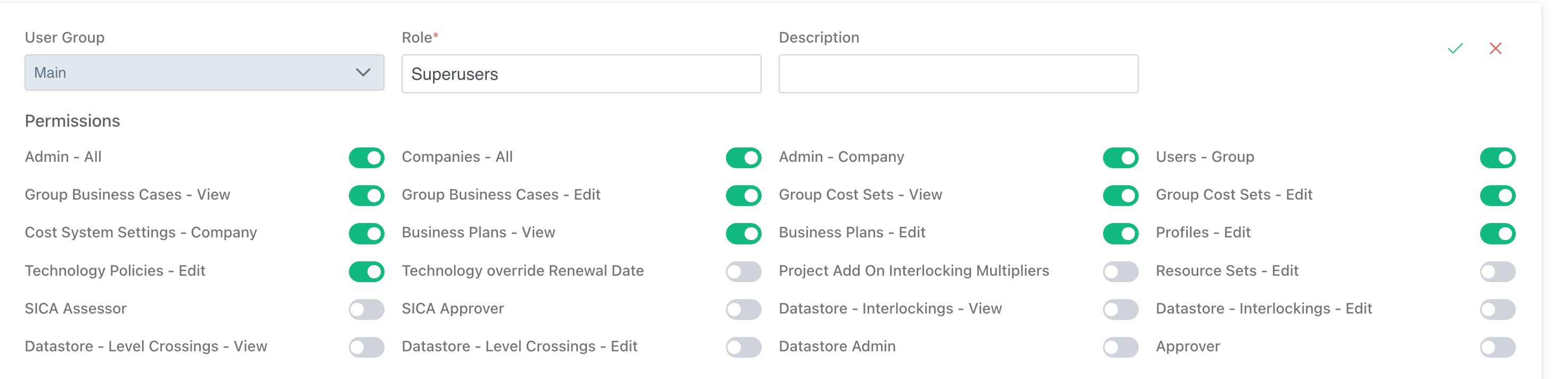
Make any changes required, then click the Save icon. To discard changes, click the Cancel icon.
Add User Roles
To add a new user role, select the Add Role icon.
Select the User Group which will use the new role, along with a name (and optionally, description).
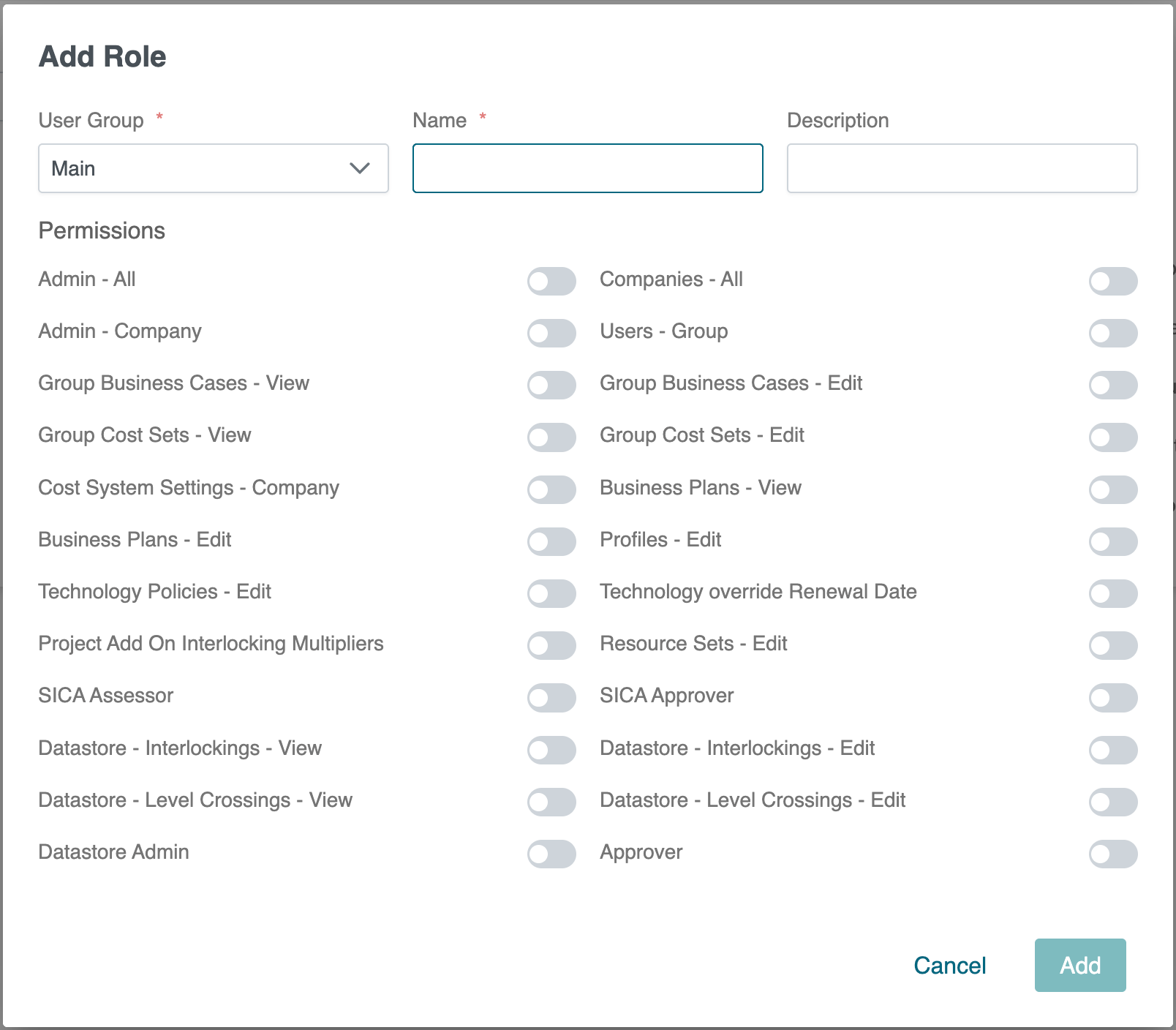
Toggle all of the required permissions, then click Add to create the new role. To cancel creating the new role, click Cancel.
Deleting User Roles
Roles can only be deleted if no users are currently assigned that role.
To delete user roles, select the User Group and Role name then click the Delete icon.
A confirmation box will be displayed for confirmation before deleting the role.
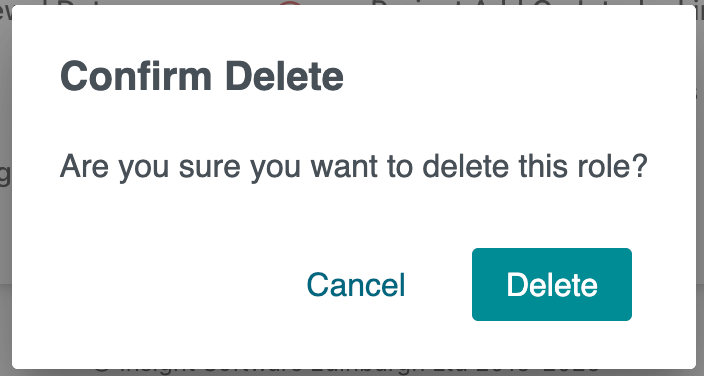
To continue and delete the user role, select Delete.
To cancel the deletion, click Cancel.